AI on more devices
The AI Meal Planner now works beyond Apple Intelligence devices — Premium members can plan from their inventory on more iPhones, iPads, and Macs.
Freezer & Pantry Inventory
Scan groceries into your freezer, fridge, and pantry. Track expirations so nothing goes to waste — and let AI turn what you have into real meals.
Download on theApp StoreiPhone · iPad · Mac · syncs with iCloud
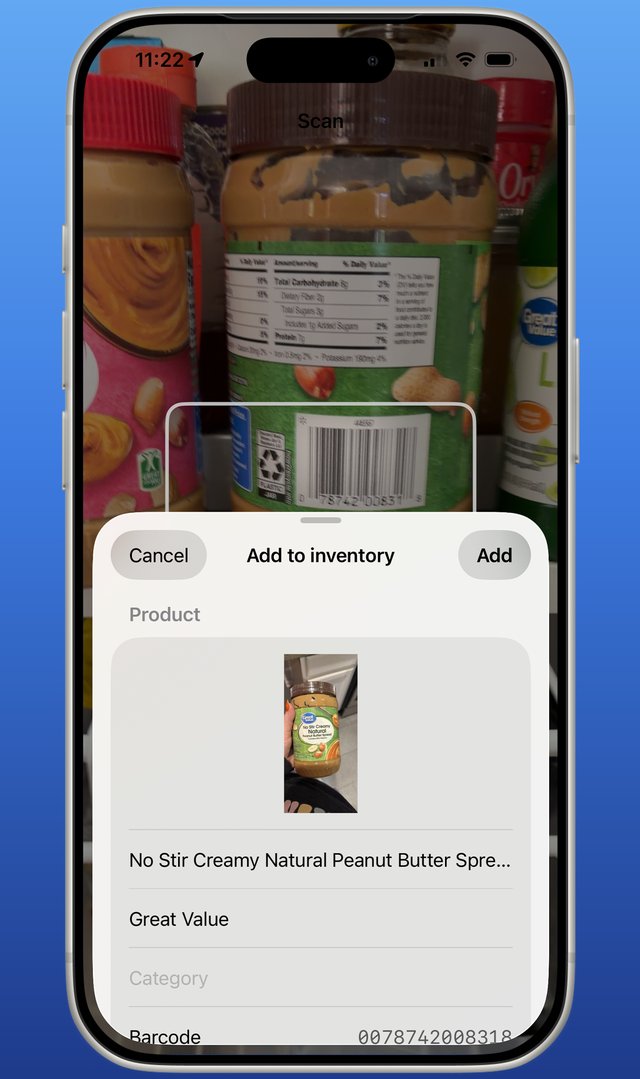
Point your iPhone at any barcode and the item lands in your inventory with its name, brand, and photo filled in automatically from Open Food Facts.
No barcode? Add items by hand in seconds — a matching photo appears as you type.
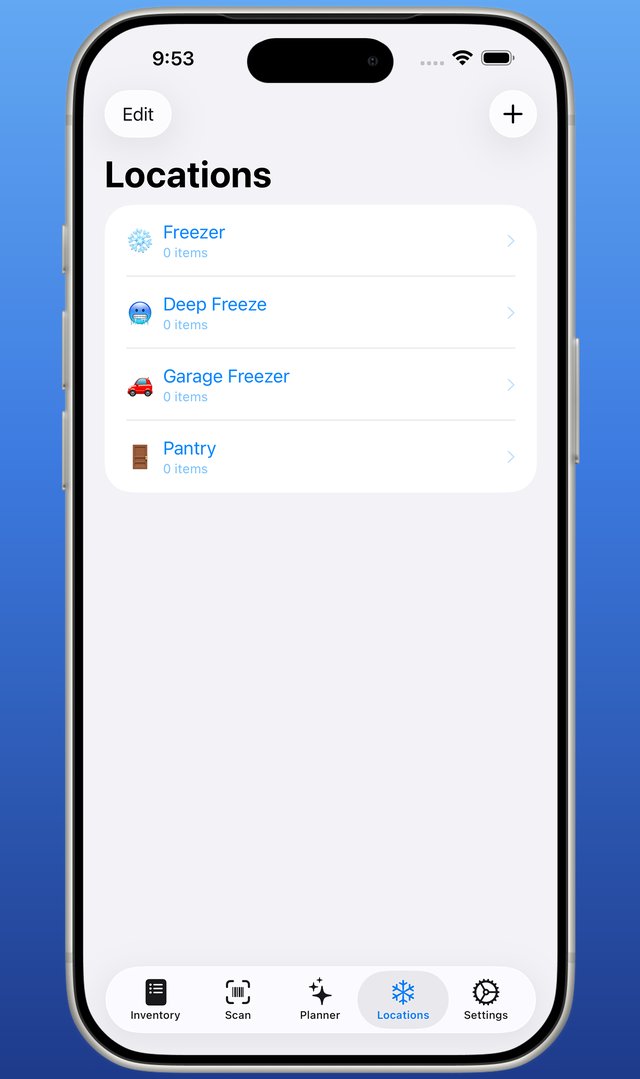
The kitchen freezer, the fridge, the pantry, the chest freezer in the garage — each location gets its own list, with quantities, weights, and per-item photos.
Scanned a batch into the wrong spot? Move selected items — or everything — in one tap.
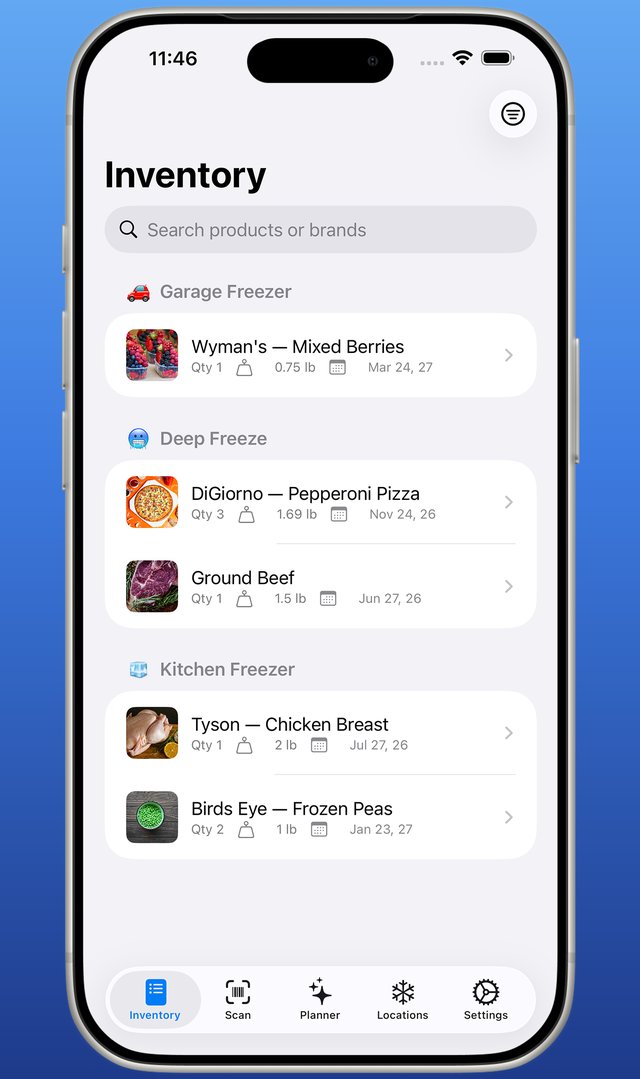
One searchable inventory across every location. Tap to remove items as you cook, and your counts stay honest.
Everything syncs across iPhone, iPad, and Mac with iCloud — scan in the kitchen, check the list at the store.
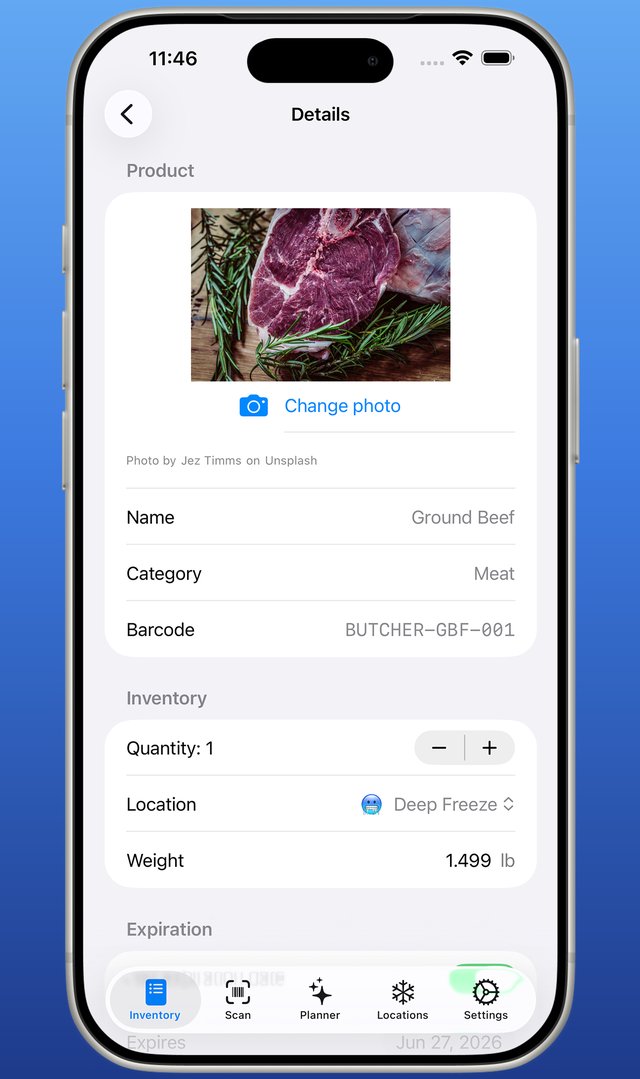
Give items an expiration date and the app keeps watch. A widget shows what's expiring right on your Home Screen, and Premium sends an alert before food goes over the edge.
The 7-day meal planner highlights what to cook first, so expiring food becomes dinner — not waste.
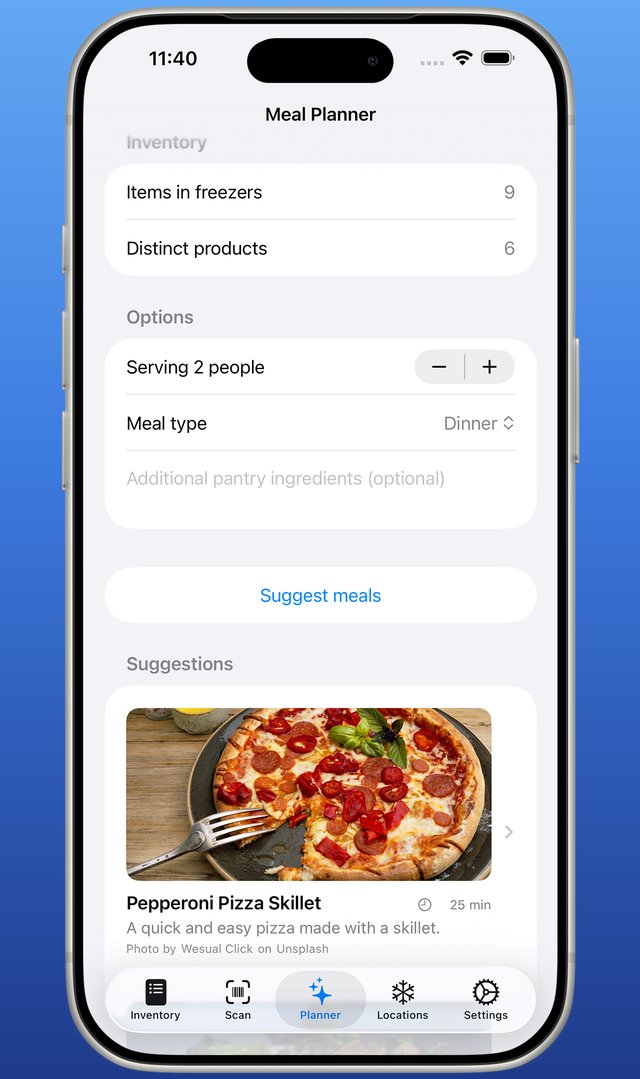
Tell it how many people you're feeding and it builds real recipes from your actual inventory — ingredients, steps, and timing. One tap plans your whole week, scheduling soon-to-expire food first.
On Apple Intelligence devices it runs entirely on-device — nothing leaves your device. On other devices, Premium members get the same AI meal planning over a private, secure connection (only item names are sent, never used to train AI). Save the good ones to your recipe box, add your own, and Mark as Cooked subtracts the ingredients from your inventory.
We ship updates often — a few highlights from recent releases:
The AI Meal Planner now works beyond Apple Intelligence devices — Premium members can plan from their inventory on more iPhones, iPads, and Macs.
What's expiring, at a glance — Home Screen and Lock Screen, without opening the app.
Add an item or check what's expiring by voice — hands-free, zero setup, also in Spotlight and on the Action button.
A Recipe Box plus a 7-day planner that surfaces what to use first — save the AI's ideas or add your own.
Full inventory tracking is free, forever. Premium adds the intelligence.
$0
$0.99/wk · $2.49/mo · $19.99/yr
On an iPhone 15 Pro or later or an Apple Silicon Mac with Apple Intelligence enabled, the AI Meal Planner runs on-device; on other devices Premium members get it over a private, secure connection. Subscriptions auto-renew; manage in Settings.